🧠 AI Development, Part 1: The Moment It Became Real
🧠 AI Development: Table Of Content
- Part 1: The Moment It Became Real
- Part 2: Cursor — Your New Pair Programmer
- Part 3: Why Structure Matters — Introducing the RIPER Workflow
- Part 4: Teaching Cursor to Think — Memory Banks & Rule Files
- Part 5: RIPER in Action — Real Examples from Production
- Part 6: How We Write E2E and API Tests with Cursor
- Part 7: When Cursor Hallucinates — How We Keep It Grounded
- Part 8: What’s Next — Scaling AI Workflows Across Teams
“It will revolutionize what we've been used to as software developers.”
— Yevgeni Mumblat, GrowthSpace
A few months ago, if you asked most developers about AI in their workflow, you'd probably hear something like: “Yeah, I use Copilot to autocomplete boilerplate.” Fast forward to now, and we’re deep into a new era — one where AI isn’t just autocomplete. It’s a teammate. It brainstorms. It plans. It builds. It reviews. And it doesn’t sleep.
But without structure, that teammate is like a junior developer with access to your entire codebase — and no idea what to do with it.
At GrowthSpace, we’ve spent the past weeks rethinking what AI-assisted development should look like. Not just what tools to use, but how to use them. This post is the first in a series that dives into the real-world lessons we’ve learned adopting AI-first workflows. We’ll show you what worked, what didn’t, and how we’re building systems to make AI not just helpful, but reliable.
💡 Why Now?

Agent-based coding — tools like Cursor, Cody, GPT-based agents — has matured at an astonishing pace. Cursor, the AI-powered IDE we’ve adopted, doesn’t just autocomplete lines; it analyzes architecture, writes specs, and generates full implementations based on guided context. And it does all this inside your editor.
As Yevgeni said in our kickoff session, “The industry is moving forward — and we will move along.” The tooling is ready. The productivity gains are real. But only if we pair it with process.
🔥 The Risk of Chaos
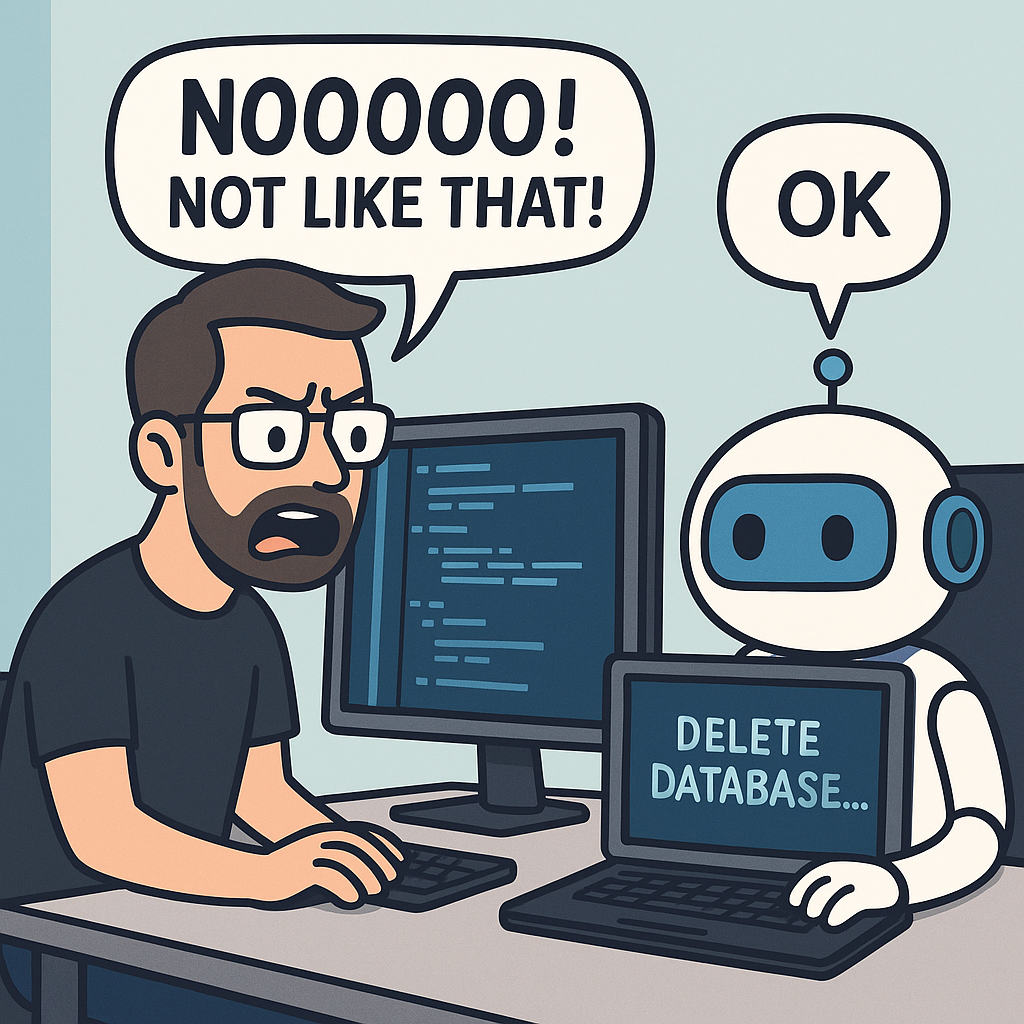
Giving AI full access to your codebase without guidelines is like giving a robot access to your house and asking it to "help clean up" — without telling it what's fragile, what not to touch, or where anything goes. That’s where we started.
And we quickly saw the problem.
Cursor would follow any instruction, even bad ones. It would hallucinate files that don’t exist. It might jump straight from analysis to implementation without proper planning. It wasn’t enough to have a smart agent — we needed it to think like a disciplined developer.
🧠 Enter RIPER: A Workflow for Working with AI
That’s when we adopted the RIPER methodology — a simple but powerful acronym:
- Research
- Innovate
- Plan
- Execute
- Review
Think of it as pair programming with a junior developer — except you get to program how they think. RIPER helps break development into distinct, structured phases. You guide Cursor through each one like you would onboard a real teammate. And the result? Smarter decisions. Fewer bugs. Fewer surprises.
We’ll dive deep into each of those phases in the next post, but here’s the takeaway: the magic of AI development isn’t just in the AI — it’s in the system you build around it.
📅 What’s Next in the Series
In the next post, I’ll walk through how Cursor works, where it shines, and where it needs your help. From there, we’ll explore the RIPER process in depth, memory banks, testing strategies, and the real-world results we’ve seen at GrowthSpace so far.
AI development is real now. But making it work — and making it scale — takes more than a cool IDE.
Let’s build it together.
 Neil Kalman